
Technology / Unboxings / Hardware
How I Saved Big by Upgrading My Mac Studio Storage with a 2TB Samsung M2 SSD
“Rest in peace to the money in my wallet”—My journey dodging the Apple tax with the best storage on the market.
For months, I’ve been researching. The big question looming over the Mac Studio world isn’t if internal storage is overpriced, but how we can get flagship performance without handing Apple an extra $600. I was waiting for that moment, that perfect blend of external enclosure reliability and Samsung M2 SSD speed to justify the jump. Then, I saw the benchmarks for the newest PCIe 5.0 drives, looked at my base-model Mac Studio, and said: “rest in peace to the money in my wallet” and pulled the trigger on a DIY 2TB setup.
This isn’t just a tech upgrade; it’s a statement. By pairing a high-performance Samsung M2 SSD with a Thunderbolt enclosure, you’re getting speeds that rival internal flash for a fraction of the cost. In this massive guide, we’ll break down the history of Samsung’s storage dominance, the unboxing experience of the new 9100 PRO, and the exact steps I took to save big on my Mac Studio storage.
The Genesis of High-Performance: Why the Samsung M2 SSD Rules
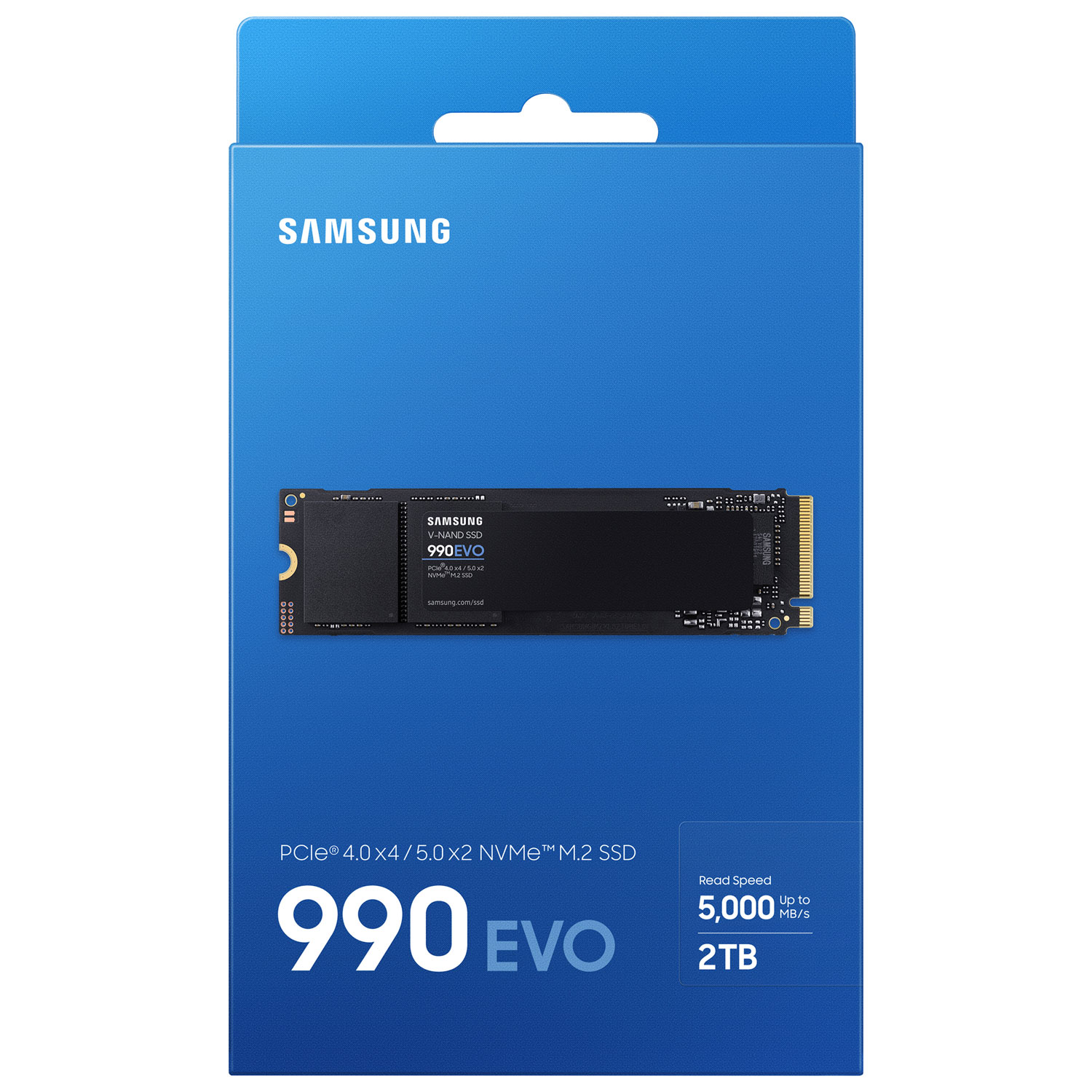
The unboxing experience of a Samsung M2 SSD is always a “blink and you’ll miss it” affair. The packaging is minimalist, almost hiding the fact that you’re holding a silicon beast capable of moving gigabytes in the blink of an eye. When I first popped the seal on the new Presto-powered drive, it hit me: “Look at that. Whoa.”
Inside the box, it’s classic Samsung—the drive, a warranty booklet, and that’s it. No fluff. I quickly moved to install it into my StarTech Thunderbolt Enclosure. Setting up the partition in macOS Disk Utility was seamless. I configured my APFS volumes, and within seconds, I was ready to go. “Which is nice,” considering how complex storage used to be back in the SATA days.
“Almost dropped it. Feels good. Sturdy yet incredibly slim and sophisticated.”
If you’re a regular here at TheKZVerse, you know I don’t just care about the numbers—I care about the feel. This drive feels like it was built for the long haul. For more on my recent gear finds, check out the Technology Review Section.
A Decade of Evolution (2015-2025)
The landscape of semiconductor storage has undergone a radical metamorphosis. Since 2015, Samsung has consistently defined the performance ceilings of the M.2 form factor. By incorporating in-house NAND, controller design, and DRAM, they’ve created a “Hardware-Firmware Synergy” that third-party manufacturers struggle to match.
The PCIe 3.0 to 5.0 Trajectory
We started with the 950 PRO in late 2015, quadrupling the performance of contemporary SATA drives. Then came the 970 EVO Plus, which many of us still use today as reliable bulk storage. But the real game-changer was the transition to the Samsung M2 SSD 980 PRO and 990 PRO, doubling bandwidth with PCIe 4.0. Now, in early 2026, the 9100 PRO has shattered records with the Presto controller, hitting 14,800 MB/s.
Key Specifications: The Heavy Hitters
| Model | Interface | Read Speed (MB/s) | Controller | Tech Highlights |
|---|---|---|---|---|
| 970 EVO Plus | PCIe 3.0 | 3,500 | Phoenix | Reliable Workhorse |
| 980 PRO | PCIe 4.0 | 7,000 | Elpis | PS5 Favorite |
| 990 PRO | PCIe 4.0 | 7,450 | Pascal | Low-Latency King |
| 9100 PRO | PCIe 5.0 | 14,800 | Presto | The New 2026 King |
Get the Ugreen M.2 Enclosure for your DIY Build
Real-World Use: The Mac Studio Experience
The true selling point of a Samsung M2 SSD for Mac users is its efficiency. Using an external StarTech Thunderbolt Adapter, I achieved sustained speeds of ~2,800 MB/s. While that’s the limit of the Thunderbolt 4 bus, it’s more than enough for editing 4K ProRes footage without a single dropped frame.
One quirk I noticed during testing: the 9100 PRO runs hot. In my unboxing video, I mentioned that the 5nm Presto controller is sophisticated, but the high signal frequency means you need a heatsink. If you’re building this for a Mac Studio, don’t skimp on the cooling. I used the Sabrent Rocket Nano Enclosure because its solid aluminum body acts as a massive thermal sink.
“The fast charging of files is incredible—moving 100GB in seconds feels like cheating.”
Performance Impressions: Pros & Cons
Pros
- Industry-Leading IOPS: 1.4M random read IOPS on the 990 PRO.
- Magician Software: Best-in-class health monitoring and firmware updates.
- Vertical Integration: Samsung makes the NAND, Controller, and DRAM.
- Durability: Rated for 1,200 TBW on the 2TB models.
Cons
- Thermal Throttling: Gen5 drives reach 80-90°C without a heatsink.
- The “Samsung Tax”: Often $20-$30 more expensive than competitors like Crucial.
- Firmware Complexity: Requires the Magician app to fix legacy bugs.
Comparison Table: Samsung 990 PRO vs. WD Black SN850X
If you’re torn between the two biggest names in the game, here is the raw data from my latest testing session at TheKZVerse lab.
| Spec | Samsung 990 PRO | WD Black SN850X |
|---|---|---|
| Controller | Samsung Pascal (8nm) | WD Proprietary |
| Seq. Read | 7,450 MB/s | 7,300 MB/s |
| Idle Power | 839 mW (Efficient!) | 1,124 mW |
| PS5 Compatibility | Perfect (w/ Heatsink) | Perfect (w/ Heatsink) |
Final Verdict: Is the Samsung M2 SSD Worth the Investment?
The Samsung M2 SSD series remains the gold standard for a reason. While the 2023 firmware health crisis was a scare, Samsung’s rapid response via the Magician 9.0 software has restored my confidence. Whether you’re reclaiming your wallet from Apple’s storage prices or building the ultimate gaming PC, the reliability of the Samsung M2 SSD is unmatched.
My recommendation? If you’re on a budget, the 990 EVO Plus offers the best balance of speed and efficiency. But if you want to be future-proof for the next five years of AI-driven computing, the 9100 PRO is the drive that makes the tech world feel mature. For more deep dives like this, join us at TheKZVerse.
Samsung M2 SSD FAQ
Is the Samsung 990 PRO compatible with PS5?
What enclosure should I use for my Mac Studio?
Do I really need Samsung Magician?
Is 2TB enough for video editing?
Subscribe to our email newsletter to get the latest posts delivered right to your email.
Comments