
Tech Reviews & Gaming Gear
Enhanced Wireless Controller for Nintendo Switch Review: The Best Budget Pro Choice?
Testing the PowerA Lumectra series—mappable buttons, 30-hour battery, and the “Player 2” stigma.
View the Enhanced Wireless Controller on Amazon.
For years, the Nintendo Switch Pro Controller has been the undisputed king of gamepads. But in 2026, with the Nintendo Switch 2 ecosystem expanding, players are looking for more affordable alternatives that don’t sacrifice performance. Enter the Enhanced Wireless Controller for Nintendo Switch by PowerA. When I first saw the Lumectra RGB version, I thought: “rest in peace to the money in my wallet” and picked one up to see if it could actually replace my first-party gear.
This controller promises a lot: 30 hours of battery life (on non-RGB models), motion controls, and mappable back buttons. But is it just a “sibling controller” for greasy pizza hands, or a legitimate pro tool? Let’s dive into the details.
Design: “Whoa, That’s Light!”
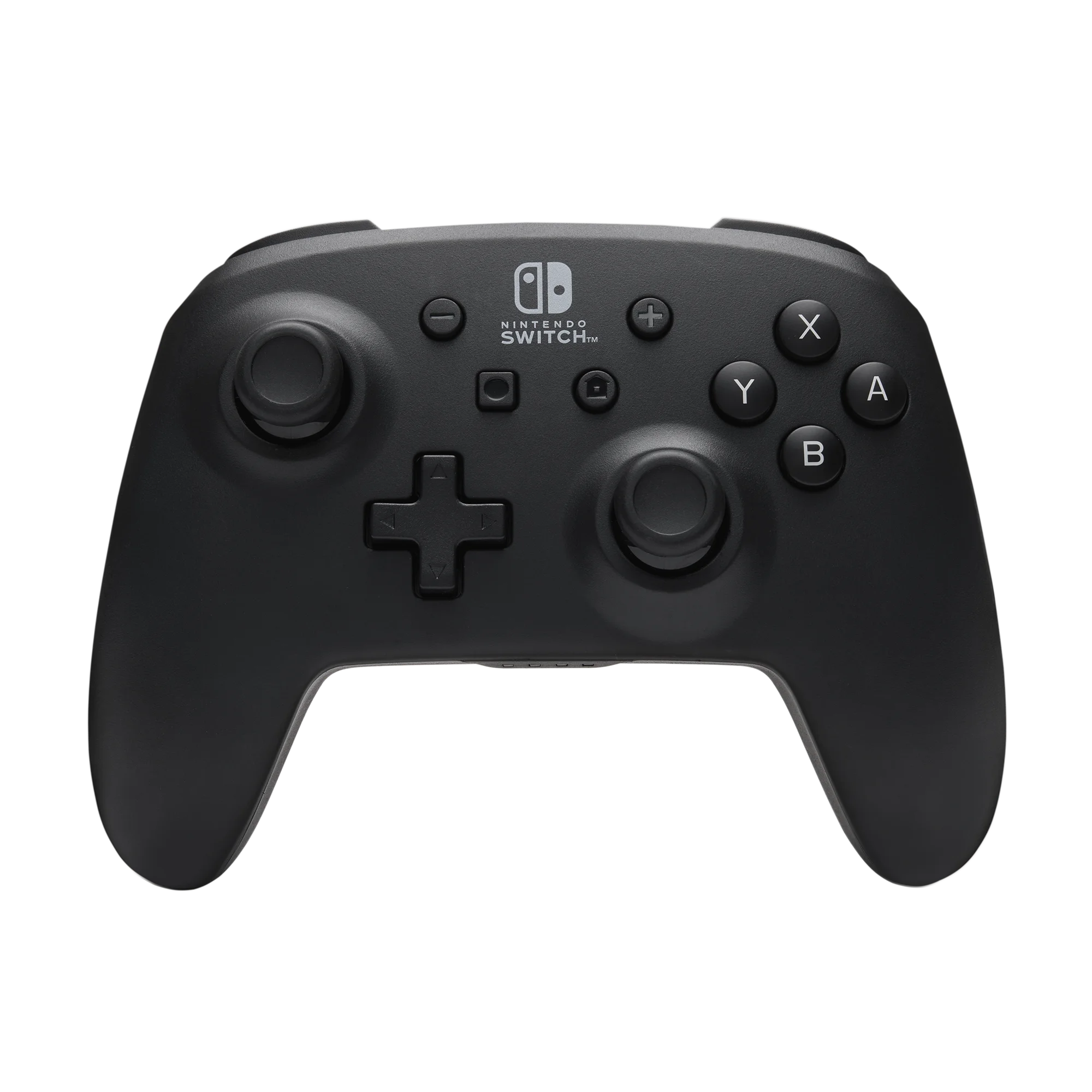
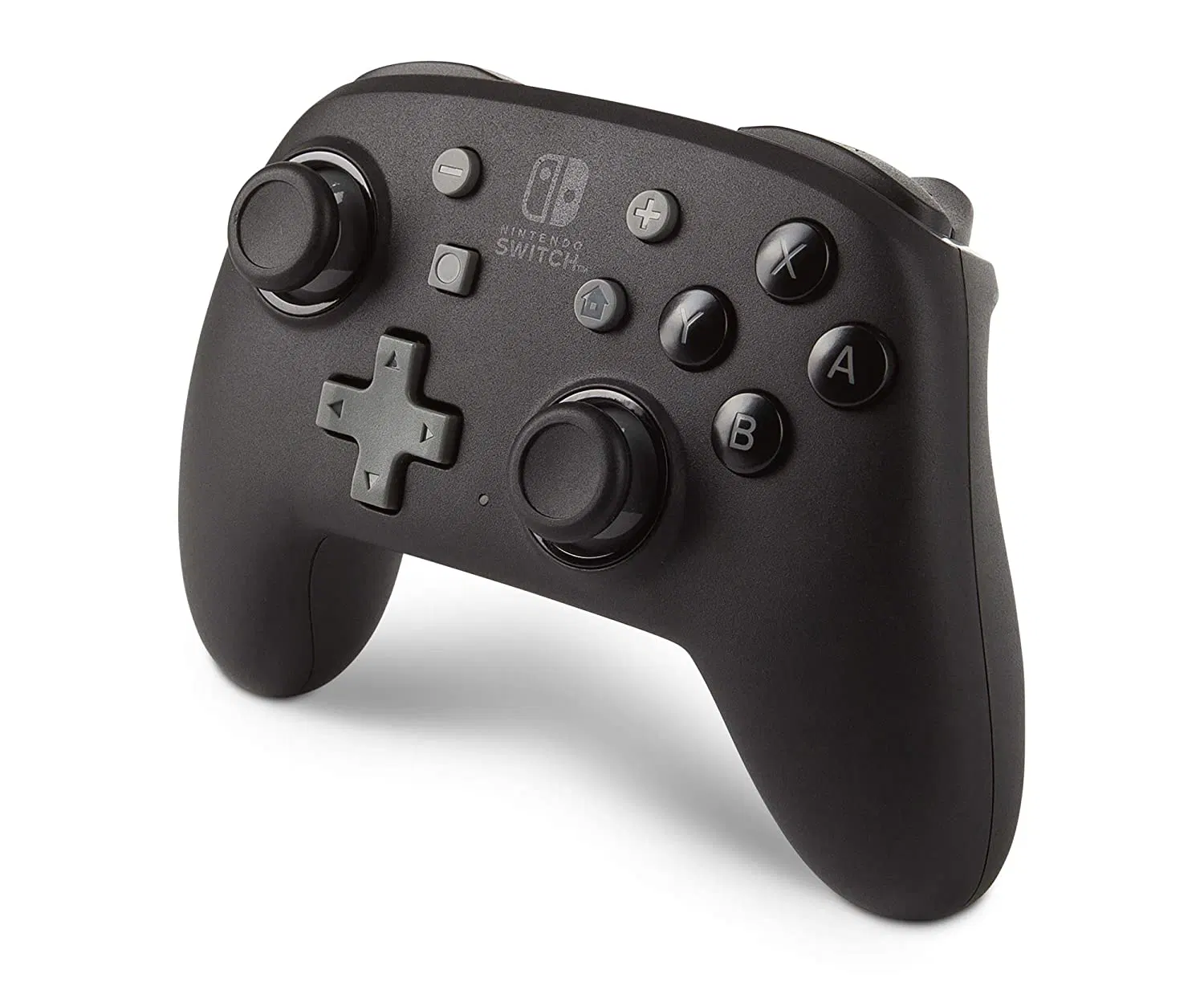
The first thing you notice when unboxing the Enhanced Wireless Controller is the weight. “Look at that. Whoa. It is super light.” This is because PowerA removes the HD Rumble and NFC motors found in the official Pro Controller. While it feels less “premium” initially, the ergonomic shape is fantastic for long sessions where wrist fatigue usually kicks in.
The Lumectra model features a hidden “Ghost” galaxy design that only reveals itself when the RGB is active. With 24 colors and 4 individual lighting zones, it’s a visual treat. Pairing is intuitive: “which is nice,” as it connects via the standard “Change Grip/Order” menu just like a Joy-Con.
Caption: Description of the image goes here.
Mappable “Advanced Gaming Buttons”
The real advantage here lies on the back. You get two Advanced Gaming Buttons (AGR and AGL) that can be programmed on the fly. In games like Apex Legends or Zelda, being able to jump or dash without taking your thumb off the right stick is a massive tactical edge.
How to Map: Hold the program button for 2 seconds, press the button you want to mirror, then tap the back paddle. It’s that simple.
| Feature | PowerA Enhanced (Lumectra) | Official Nintendo Pro |
|---|---|---|
| Price | $44.99 – $59.99 | $69.99 |
| Battery | 20-30 Hours | 40 Hours |
| Back Buttons | 2 (Mappable) | None |
| Rumble | None | HD Rumble |
| Amiibo (NFC) | No | Yes |
The Pros and Cons: A Realistic Take
The Pros
- Customization: The Lumectra RGB modes make this the best-looking controller on your desk.
- Tactical Edge: Back buttons are a game-changer for competitive shooters.
- Compatibility: Officially licensed and confirmed to work with Nintendo Switch 2 (C-button functionality supported).
- Anti-Friction Rings: The thumbsticks feel smoother than the official Pro Controller due to the embedded rings.
The Cons
- No Vibration: The lack of rumble can feel “dead” in immersive games like Animal Crossing.
- No NFC: You’ll need to grab your Joy-Cons if you want to scan an Amiibo.
- Charging Speed: It takes a few hours to hit a full charge compared to modern fast-charging tech.
Caption: Description of the image goes here.
Final Verdict
The Enhanced Wireless Controller for Nintendo Switch isn’t just a budget alternative; it’s a specialist tool. If you value RGB aesthetics and back-button mapping over rumble and Amiibo support, this is actually a better buy than the official Pro Controller. It’s lightweight, durable, and the 2-year warranty from PowerA gives you peace of mind against the dreaded stick drift.
Would you like me to find the best current bundle for the Lumectra series or perhaps a guide on how to fix stick drift if it ever occurs?
Buy the Enhanced Wireless Controller Now
Subscribe to our email newsletter to get the latest posts delivered right to your email.
Comments